Open config.js and paste your Supabase Project URL and Publishable key. Do not paste a secret or service-role key.
The parking map is not connected until those two values are filled in. See README.md.
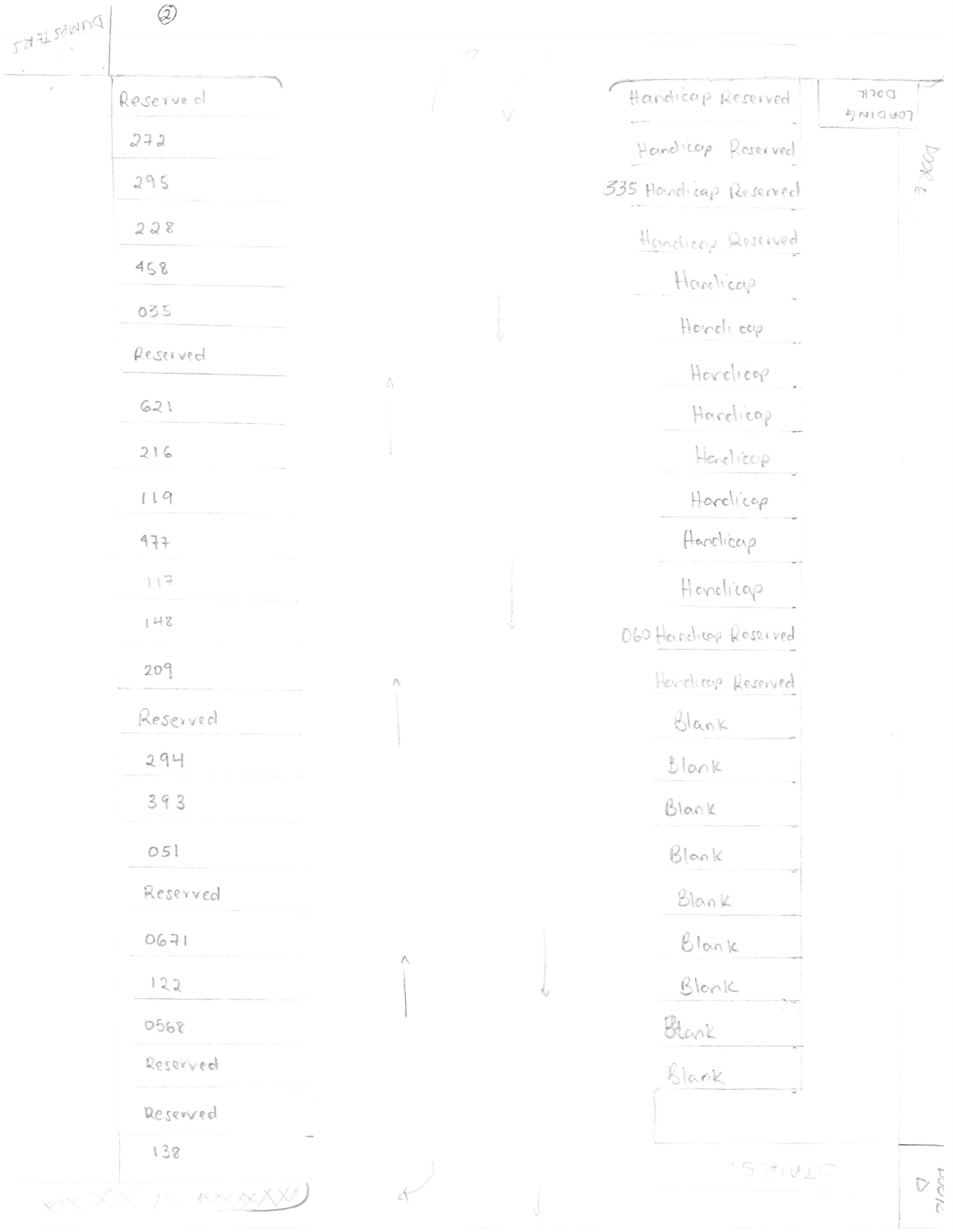
P2 · West Parking — original section diagram
From the handwritten drawing marked ② (PDF page 3). This is a reference, not a verified digital space inventory. Zoom to read the apartment labels and accessible spaces.
100%
To edit a digital space, use the property map below: click the space, enable Move space on map by dragging, drag it, and click Save space. Refresh reloads database data; it does not move spaces.
AvailableReservedUnavailableSection guides
Edit parking area outlines
Choose a section, turn on editing, then drag the shaded area to move it or drag its four corner handles to resize it. These outlines are guides, not actual parking spaces.
Outlines are stored in this browser only, not in Supabase. Export the layout to back it up or transfer it to another computer. Parking spot locations are unchanged.
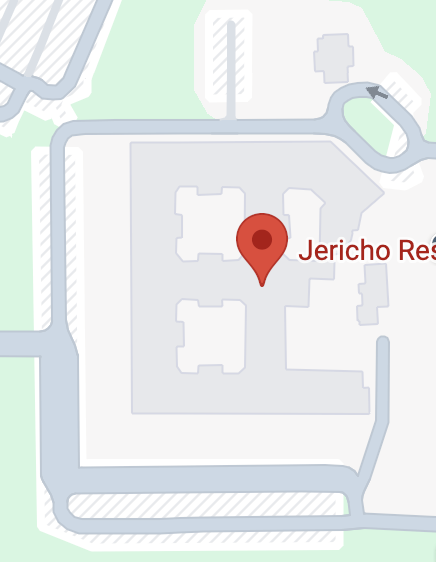
This background comes from your original property image. Exact stall locations are not mapped yet. Managers should confirm spots on site before placing them.
Active parking assignments
Shared records from Supabase.
Parking space
Section
Apartment
Assigned at
Action
Manager · Activity history
Latest 100 actions, newest first. Only managers can read these logs.
Time
Action
Actor ID
Details
Manager · Invite employees
Only managers can invite new employee accounts. The invitation is sent through a protected Supabase Edge Function, not the browser.
Deploy the included edge-functions/invite-employee function before inviting staff. The invited person will receive an email to set a password. If the function is not deployed, an error will appear; no account will be created by this website.